A computer cannot tuck away a whole picture. It turns the picture into a pattern of tiny cells. Each cell has only two choices: dark or lit. Tap the card.
A pattern still needs something to hold every cell. One holder needs fresh electric nudges. Another clicks each cell into a physical position. Tap to compare.
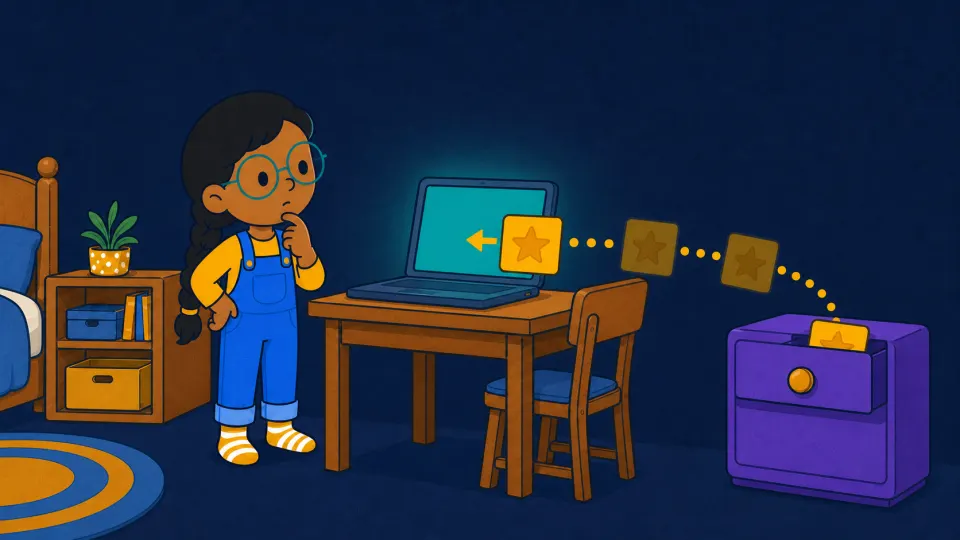
That gives a computer two places: a teal thinking desk for the copy changing now, and a violet save drawer for the copy you ask it to keep.
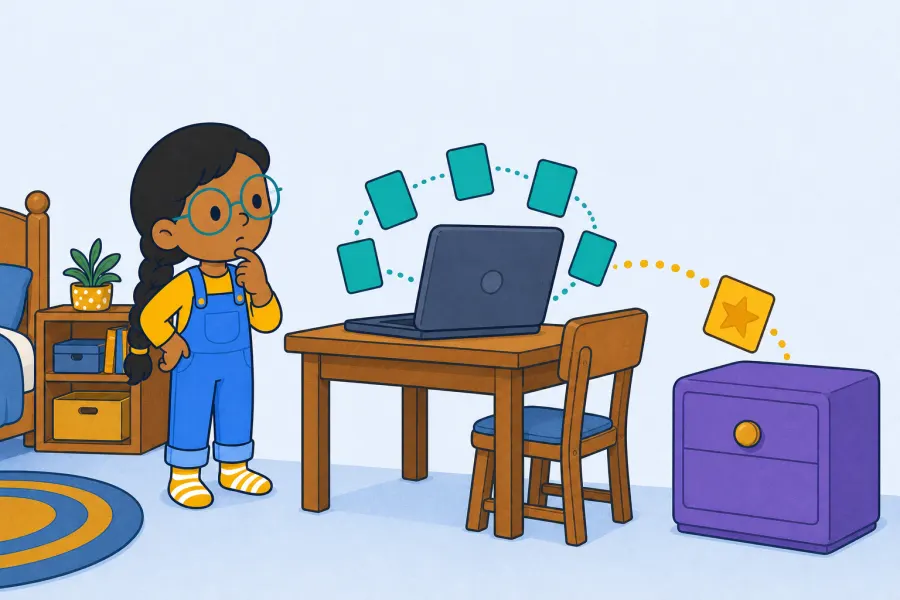
The desk is quick. The drawer waits for Save.
Drive the memory machine. Choose a word for the teal desk. The violet drawer stays as it was until you tap Save this copy.
thinking desk
save drawer
Here is a new case. Follow the order carefully — the answer is not shown.
do not tap Save again
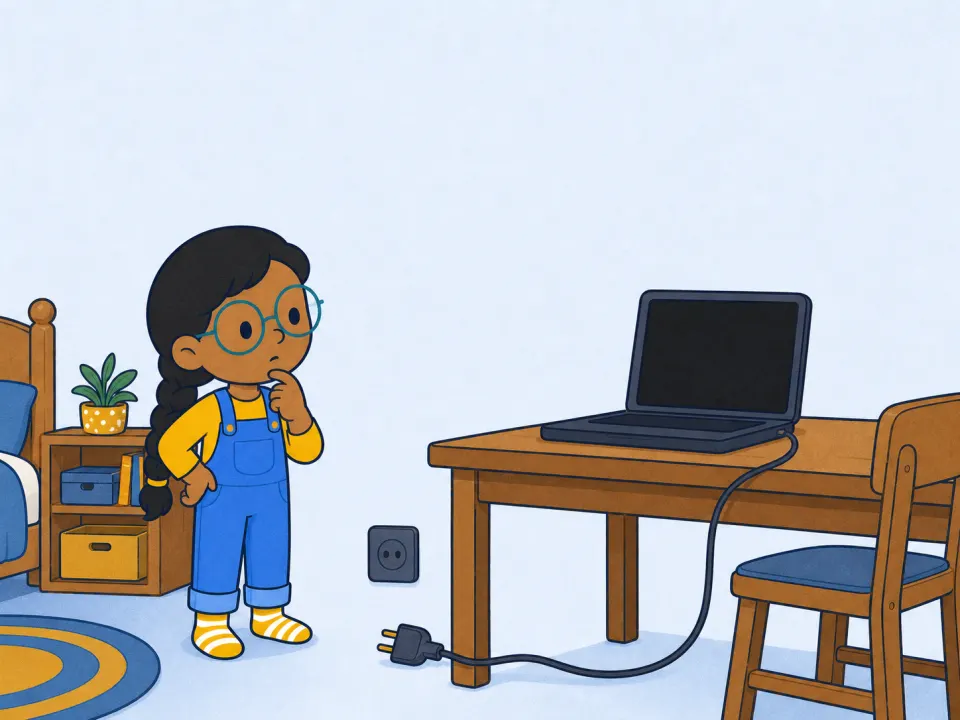
Now the power is about to go off.
Follow the two versions.
You saved CAT, then changed the screen to CAP without saving again. After the power goes off and the computer starts again, which word opens?
Slide through the power cut.
Move slowly and watch both banks.